

Empty systems
After the purchase, the real work begins: set up, fill, figure out — on top of the day job.
FEATURE · VIP SERVICES
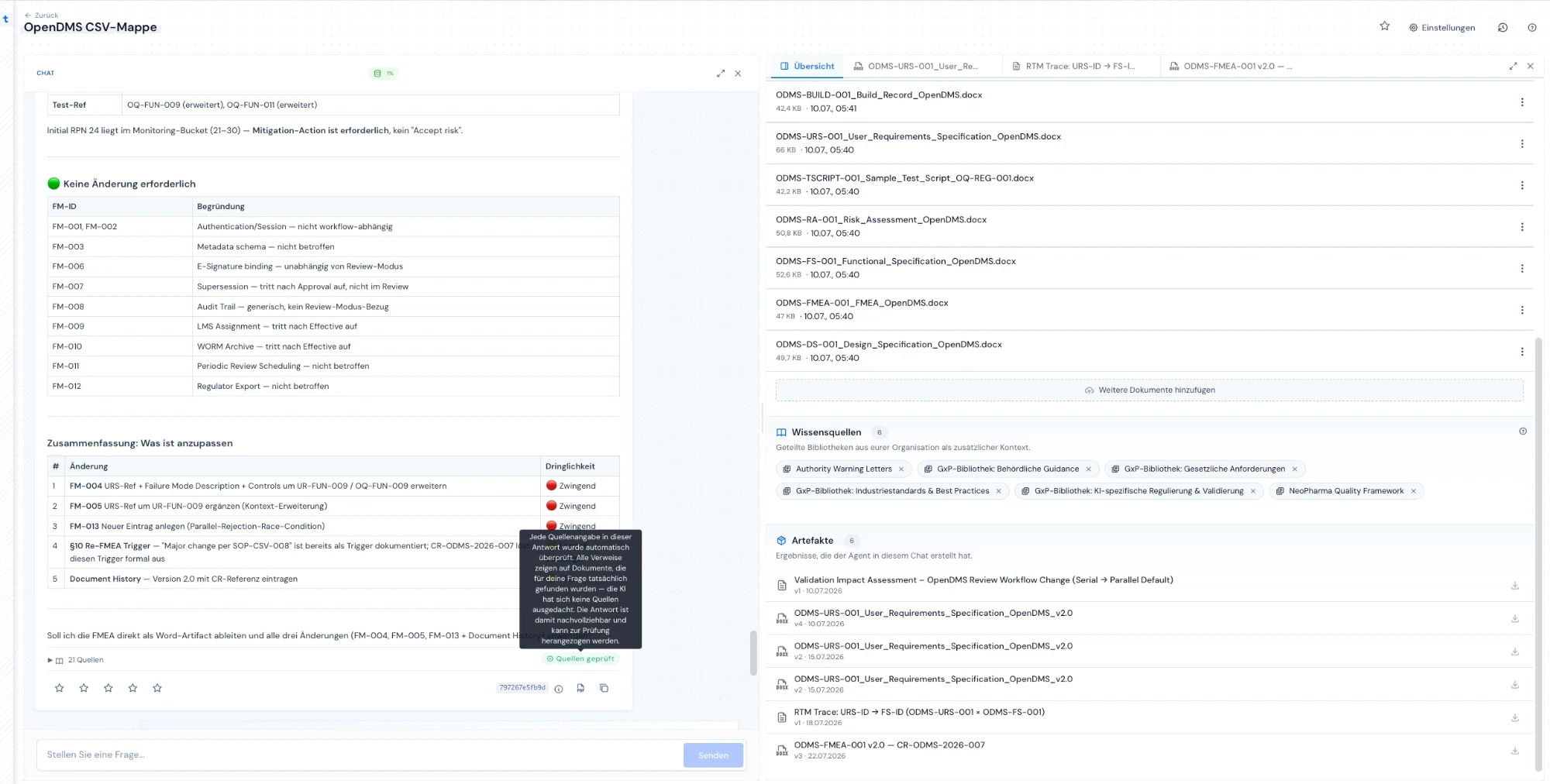
traqx Premium does not start with an empty login — it starts with people: we set up your workspace, train your team through onboarding and the academy, and stay with you until your first productive work case — in about 30 days.
No obligation · personal · straight in the calendar
WHAT YOU GET
THE PROBLEM
Why new systems in regulated teams often never go productive.
After the purchase, the real work begins: set up, fill, figure out — on top of the day job.
Requirements, templates and project knowledge live in folders and heads — a new tool alone changes nothing.
Generic trainings explain features, not your way of working and your regulatory frame.
A tool that never goes productive costs twice: the licence and your team’s lost momentum.
THE SOLUTION
Four steps that separate traqx Premium from a software licence.
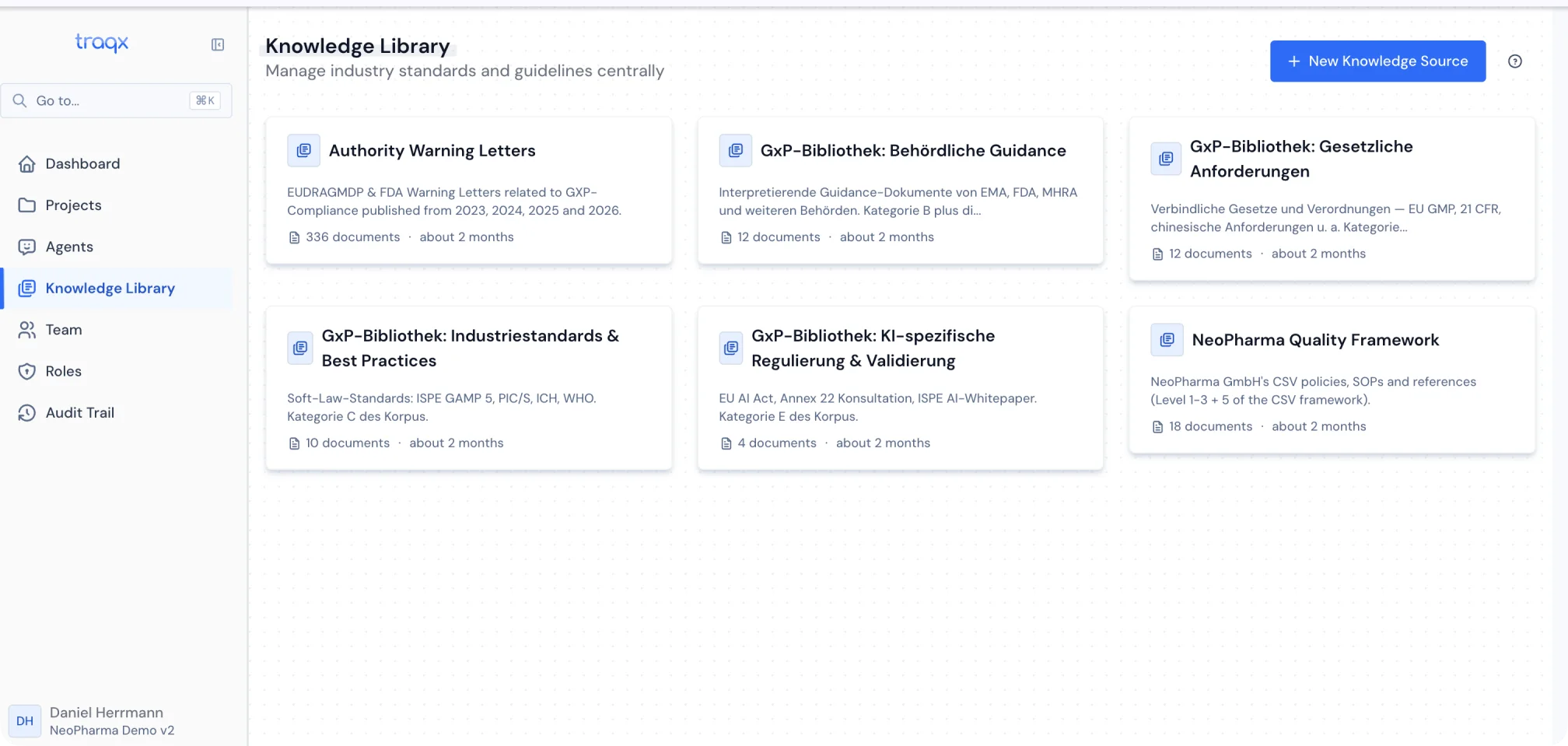
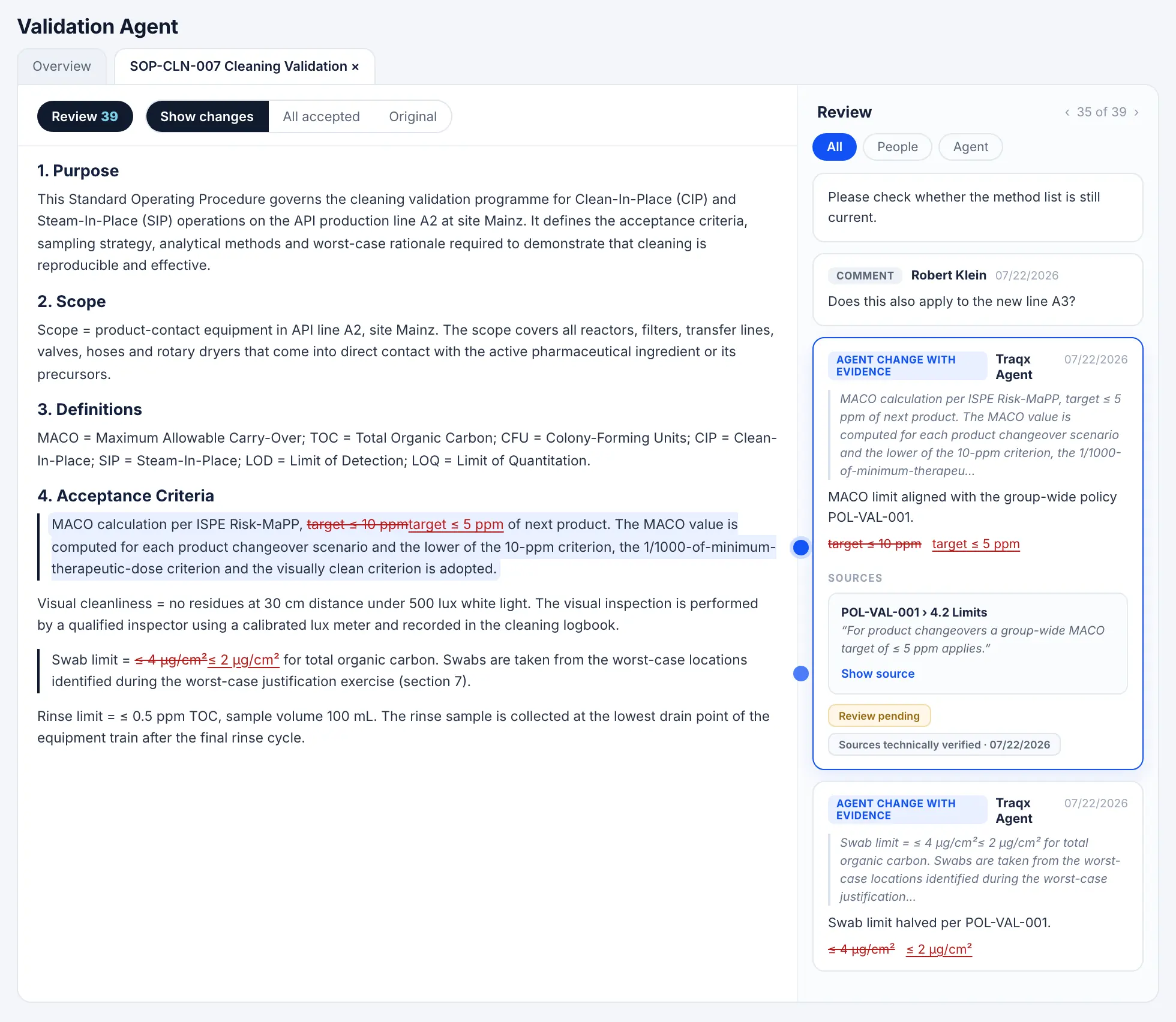
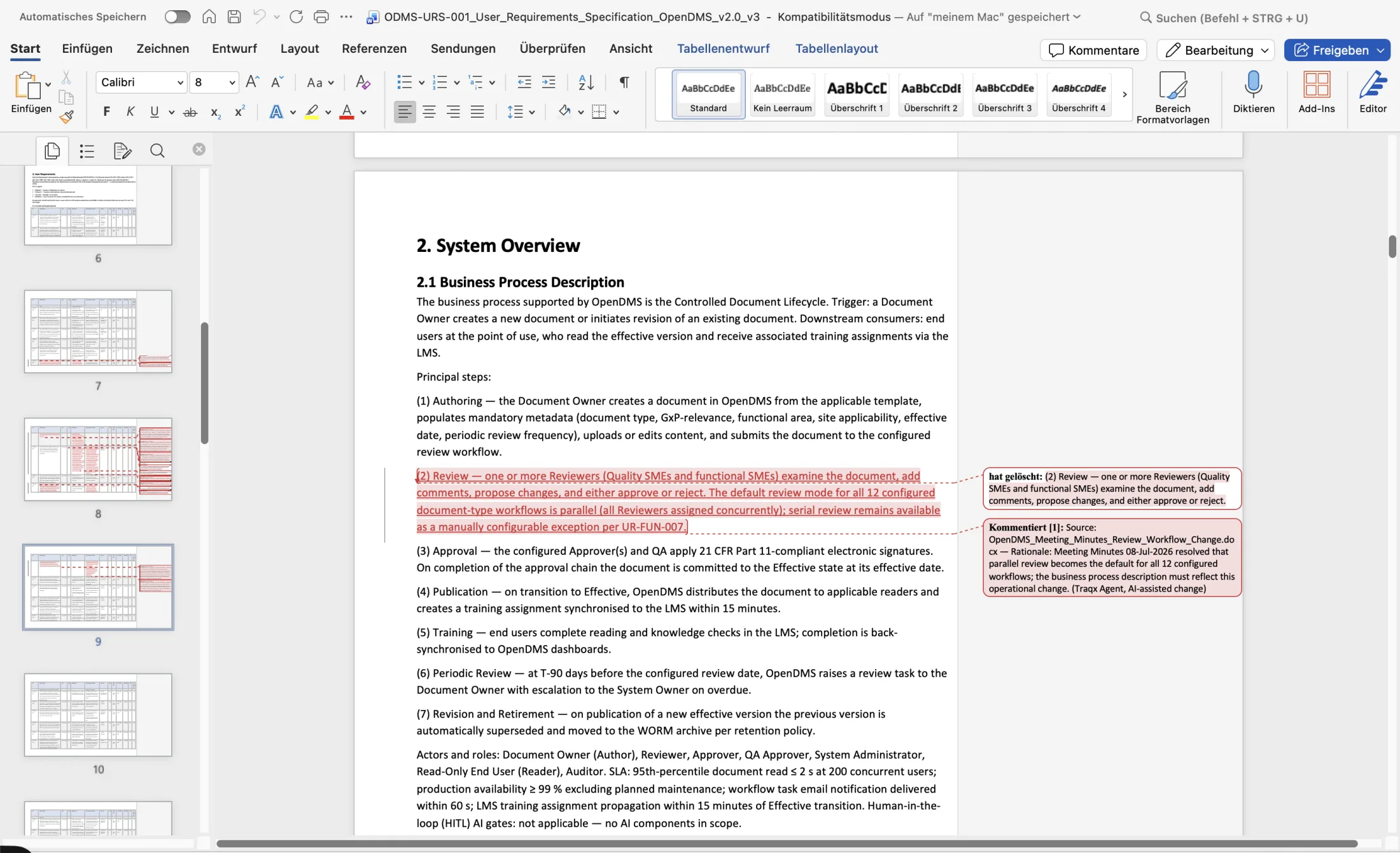
You see traqx on your use case — and together we check whether traqx fits your situation.
Knowledge hub, template library and working foundations are set up for your first use case — on request completely, as the VIP Workspace Build.
A personal onboarding call plus the traqx Academy: your team learns the way of working, not just the interface.
The first productive work case in about 30 days; after that, ongoing premium support carries it.
HOW IT WORKS
FAQ
After the live demo, we set up your workspace: knowledge hub, template library and the working foundations for your first use case. In the onboarding call your team learns to work with it; the traqx Academy keeps that knowledge current afterwards.
An optional build service: we take over document import, knowledge structure and template mapping completely instead of only guiding you through it. Whether it makes sense for your start is something we clarify in the live demo.
Premium support — at traqx that means the founders themselves and the team building traqx. The onboarding call and a strategy session are included; hands-on help with source space, templates and integrations is part of it.
YOUR START
In the personal live demo we show traqx on your use case — and how your workspace comes together in the first 30 days.
No obligation · personal · straight in the calendar