

Templates and governing context
Word or Excel templates, SOPs, policies and project sources
USE CASE · SOP management · controlled documents
traqx supports revisions from SOPs, templates and policies — with source, change context and human review.
No obligation · personal · straight in the calendar
THE RECURRING PATTERN
The work case uses the same controlled traqx logic as every other document use case.
Word or Excel templates, SOPs, policies and project sources
Sources, changes and open points stay connected in the work state.
The expert reviews and decides; formal approval stays in the responsible process.
Why SOP reviews get so sluggish
Terms drift, roles change, references go missing, forms no longer fit. In review this turns not only into text work, but into trust work: Which change is technically justified? What source backs it? What still needs confirming? The more SOPs, sites and version states are involved, the harder it becomes to keep a consistent state.
Across revisions, terminology and responsibilities shift. What is still correct in one SOP contradicts the next — and no one sees it until the auditor asks.
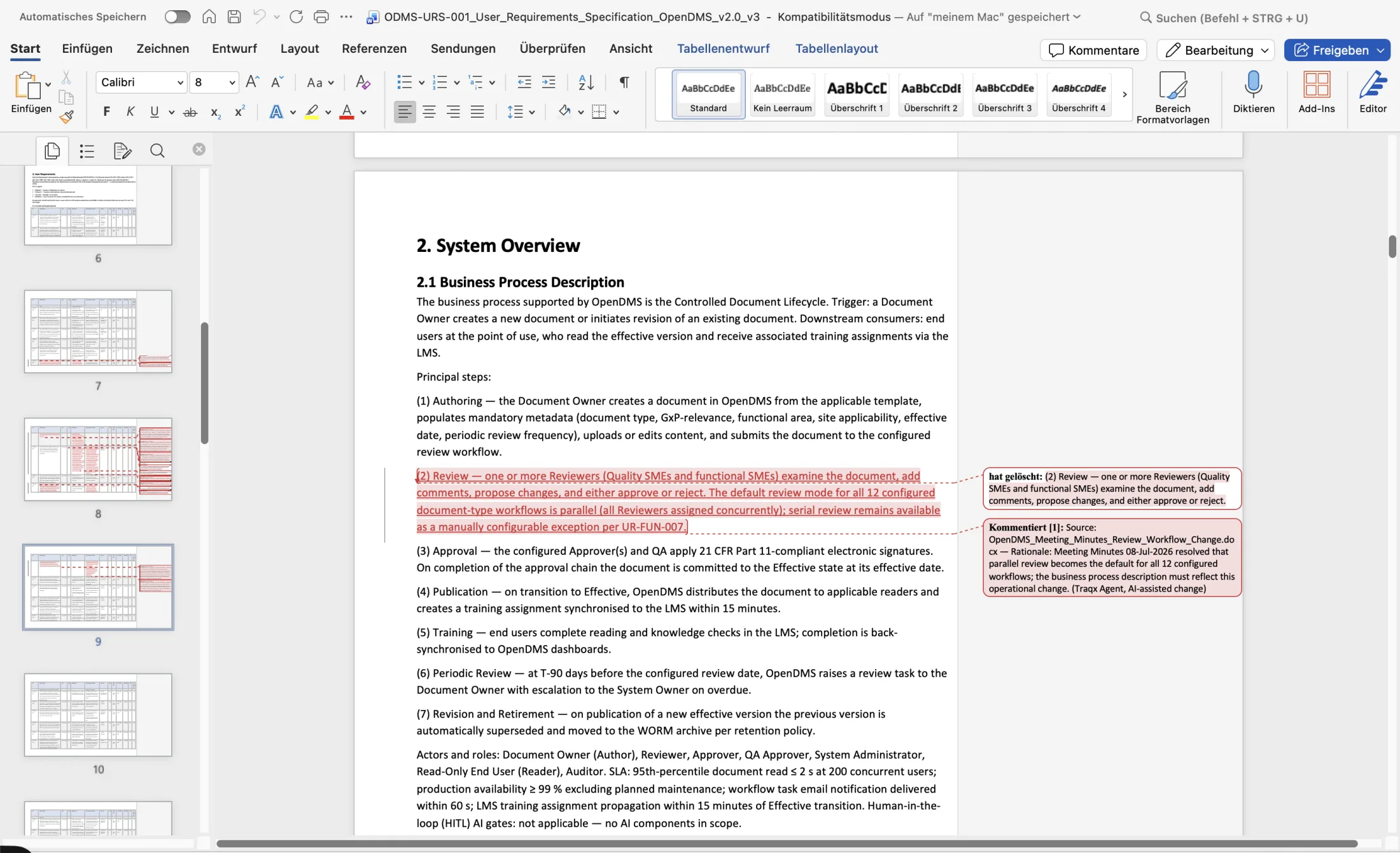
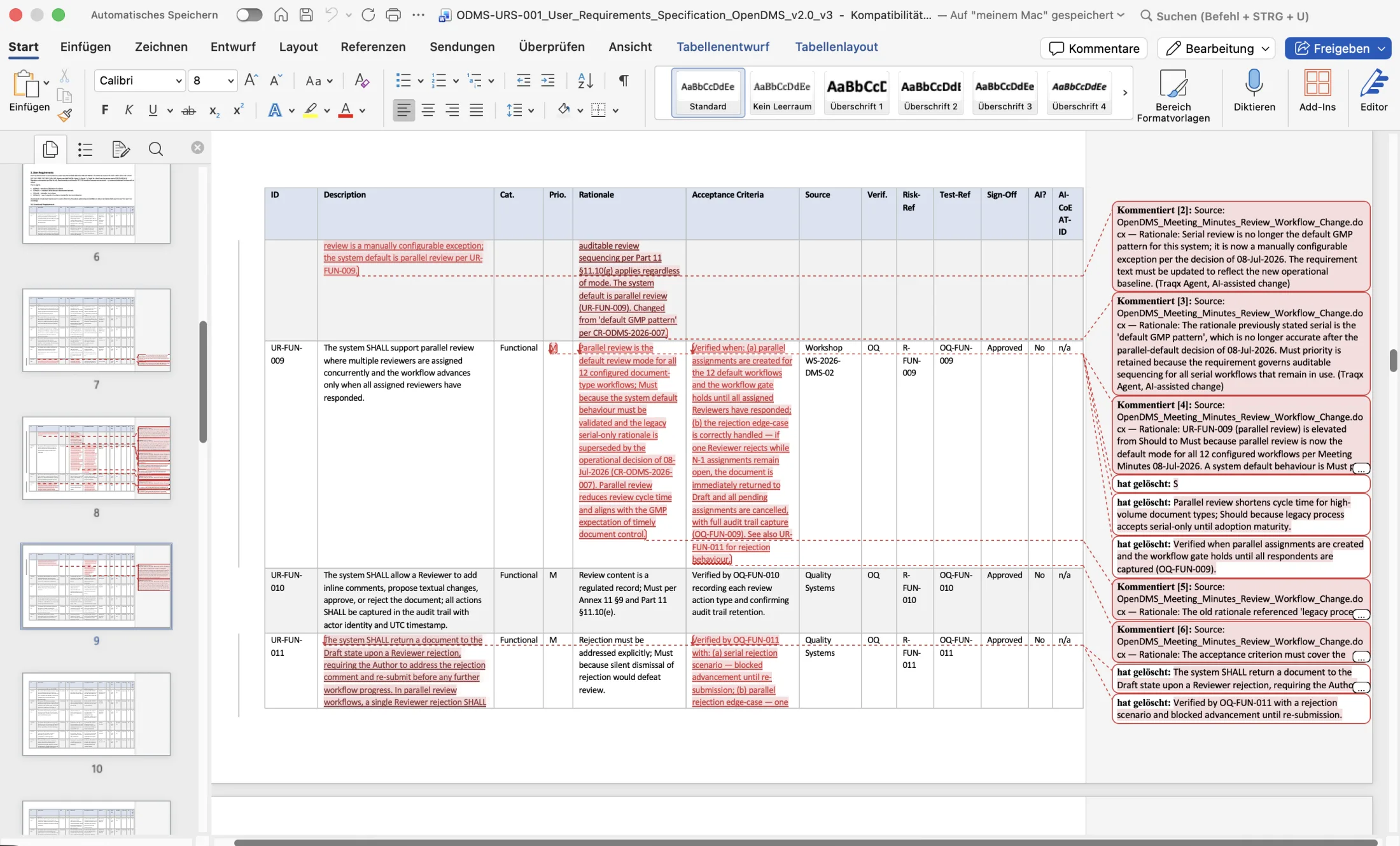
Revisions live as pending suggestions on the block they belong to. The approved state of the SOP stays unchanged until a human acts — no SOP overwrites itself.
References to forms, other SOPs or policies lead nowhere. In review they are looked up reference by reference by hand — late, laborious and error-prone.
Acceptance, correction or rejection remains with the expert. traqx documents the person, role, time and rationale of the review decision traceably.
Why was this paragraph changed? The answer lives in the head of the reviewing person. When they leave, the next revision starts almost from scratch — and QA has to rebuild trust.
traqx does not invent SOP numbers, form IDs or references. Every reference is checked deterministically against your approved source pool; what is missing is made visible as a warning, not served as truth.
Built for the AI requirements of EU GMP Annex 22: AI prepares the work, your experts review and decide — traceable in the audit trail.
THE CONNECTED EVIDENCE PATH
Five visible stations. One continuous work state.
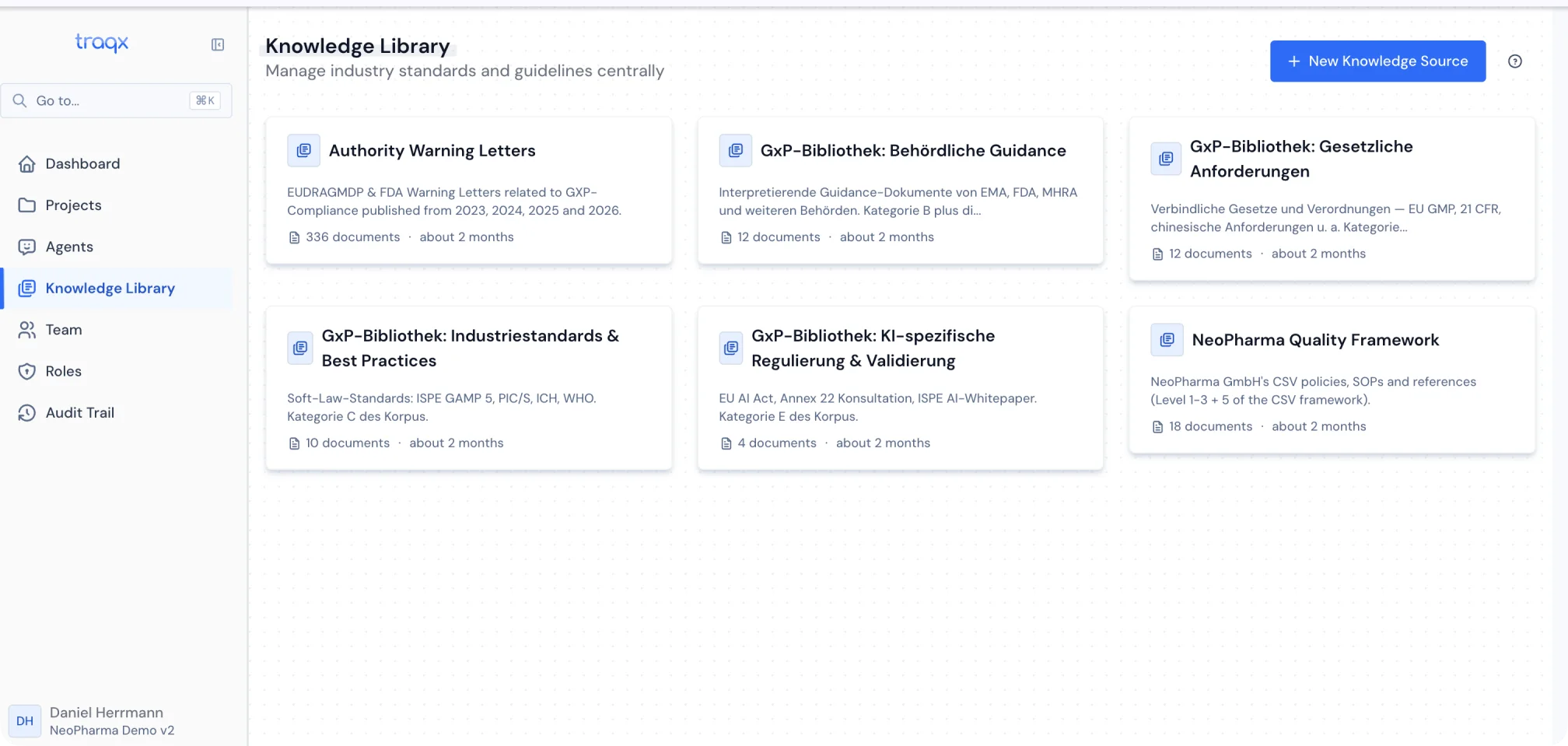
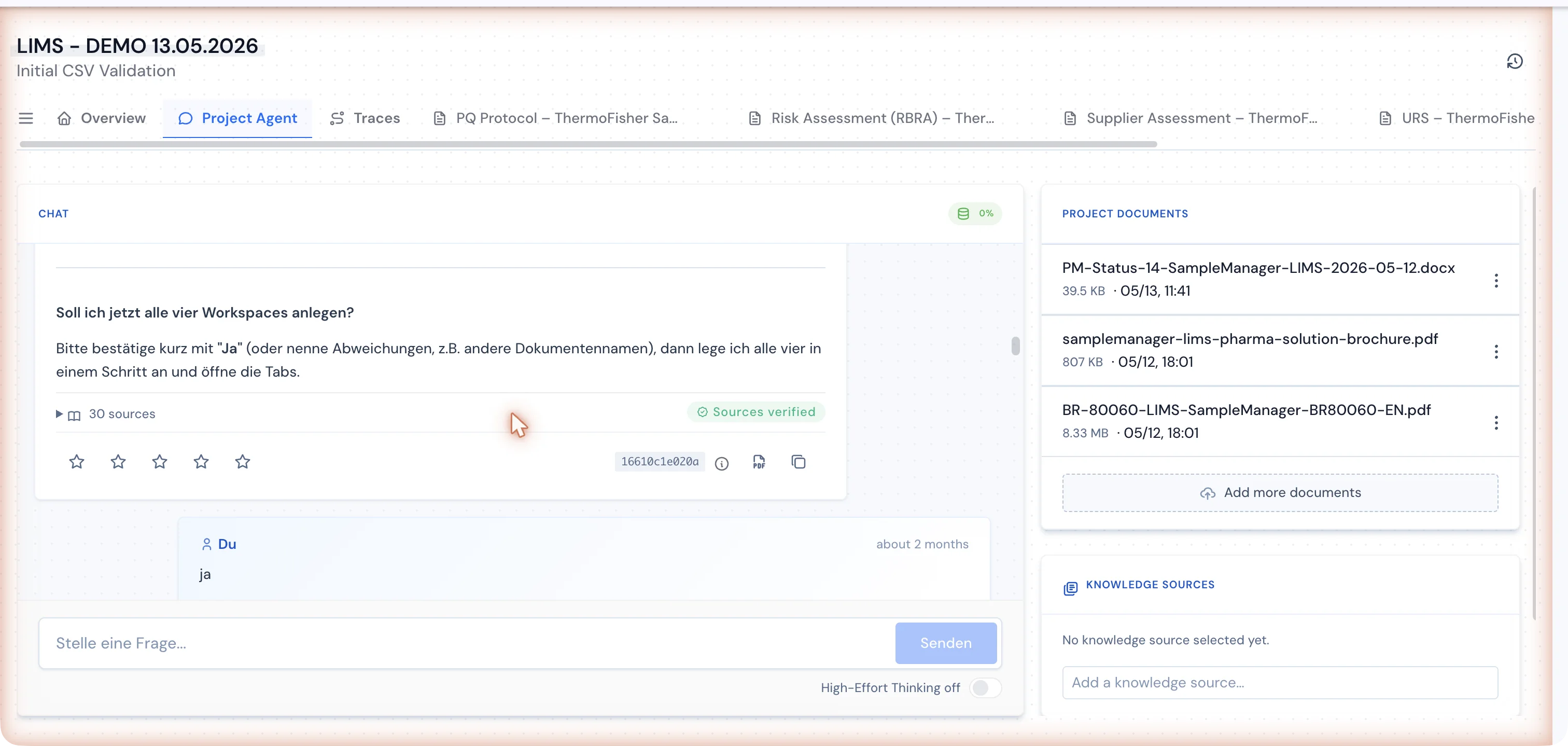
By construction
SOP support is available today via the traqx SOP agent and source spaces. traqx does not invent SOP numbers, form IDs or references. We only publish real time or cost effects once we have robust real-project or case-study data.
01
Every changejustified02
Missing referencesflagged, not fabricated03
0silent AI writesOPERATIONS & SYSTEM FIT
SOP management software · Pharma
AI-powered SOP management software starts with your existing SOPs, policies, templates and regulatory sources. traqx uses them to prepare drafts and revisions, then returns Word files with visible changes and source comments. The SOP is still approved where it is approved today: in the QMS or the agreed workflow scope.
FAQ
Purpose, scope, responsibilities, unambiguous step-by-step instructions, references and a revision history — versioned, trained and with attributable approval. What matters most: every technical statement rests on a controlled source and the effective version is unambiguous.
A periodic review at an internally defined, risk-based interval is standard, plus event-driven revision when processes, systems or regulations change. In many companies, the backlog starts growing well before the next due date because drafts, comments and approvals are scattered across emails and file copies.
Yes. traqx prepares the first draft or revision from existing SOPs, specifications and regulations, and records which suggestions were accepted, corrected or rejected. The leading QMS or DMS continues to manage the formally effective version, training, approvals and e-signatures. The technical decision remains with the expert.
With a controlled working environment instead of scattered file copies: an unambiguous work version, traceable changes with rationale and an audit trail across the review. The formally effective version is then released in the leading QMS or document system.
traqx creates and revises the content; the leading QMS or DMS continues to manage the formally effective version, training, approvals and e-signatures. Your existing document-control process stays in place.
That is exactly what the Word function is for. You provide the existing SOP and the new technical basis. traqx works the changes into the file; the reviewer sees old and new wording directly in Word and can edit each proposal. Comments point to the passages used.
ONE PRODUCT · ONE REAL DOCUMENT
In the personal live demo we clarify your template, governing SOP or policy and concrete task — and show the document workflow directly in the system.
No obligation · personal · straight in the calendar